The Same 7 Leaks I Find in Almost Every Google Ads Account
I've been inside 400+ Google Ads accounts a quarter through Google's own Operations Center, plus years of freelance audits on top of that. Different industries, different budgets, same 7 leaks, over and over. Here's where they hide and the order to fix them in.

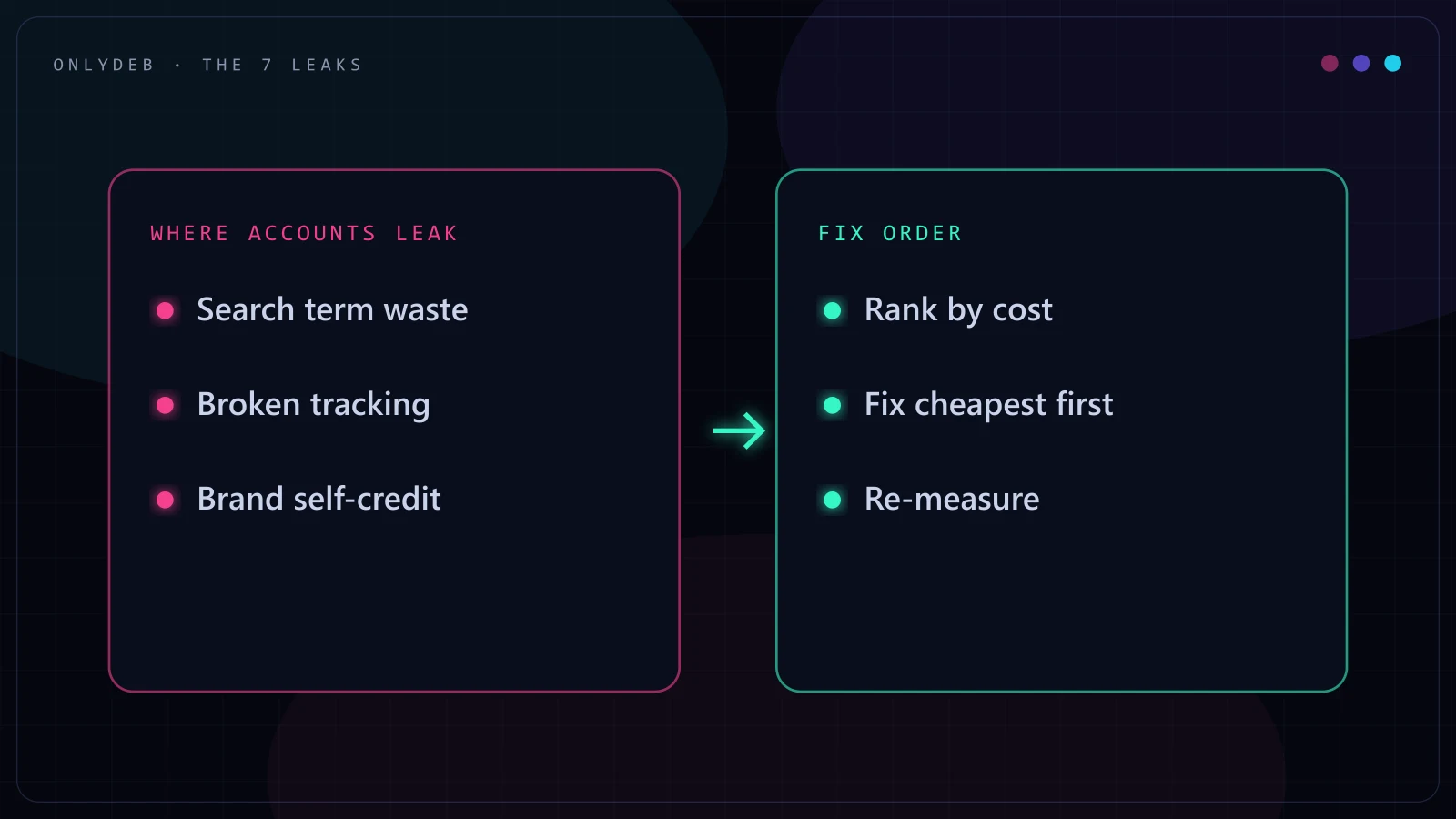
Every account owner thinks their account is the messy exception. It almost never is. Strip away the industry and the budget size, and the same handful of gaps show up account after account, quarter after quarter.
A Google Ads account leak is a setting, gap, or unreviewed report that quietly wastes ad spend without ever showing up as an obvious error. Nothing turns red. No alert fires. The account just spends a little worse than it should, every single day, until someone actually goes looking.
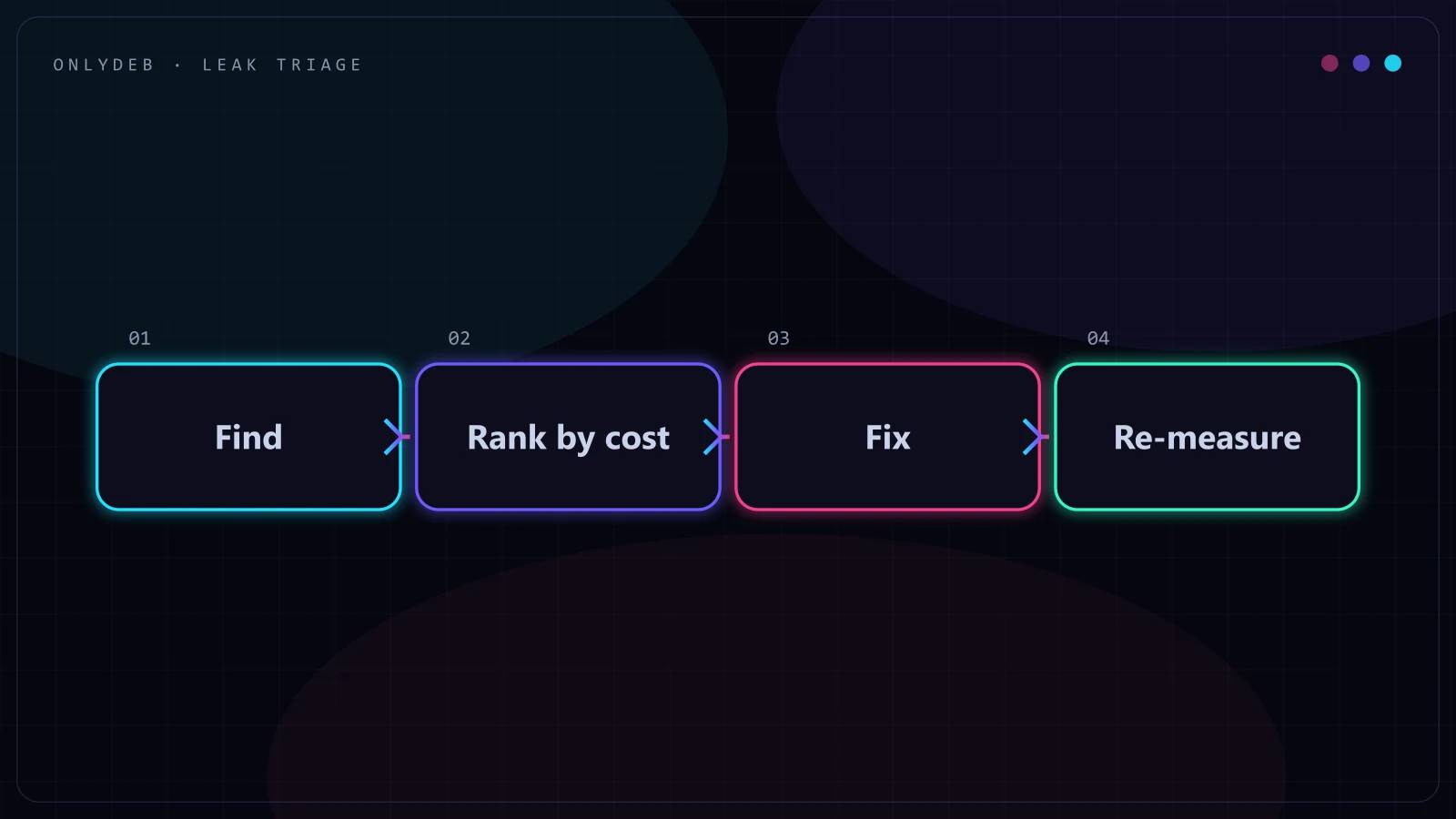
This isn't a one-time audit checklist you run and forget. It's a loop: find, rank by cost, fix, re-measure, then go back to the top. Accounts that stay clean run this loop on a schedule instead of waiting for a bad month to force it.
1. Search Term Waste Nobody Reviews
How it looks in the wild: a broad match campaign that's been live for eight months, and the search terms report hasn't been opened once since launch.
This is the leak I find the most, by a wide margin. Broad and phrase match keywords pull in whatever Google's matching system decides is close enough, and "close enough" drifts over time as the algorithm learns from clicks, including bad ones. Nobody sets out to bid on irrelevant searches. It just accumulates, one loosely related query at a time, until 15-20% of a campaign's spend is going to terms that were never going to convert.
Find it in 5 minutes: open the search terms report at the campaign or account level, sort by cost, and scan the top 30 terms by spend. You are looking for anything that a human would never type when actually ready to buy, plus anything with real spend and zero conversions over a meaningful window.
What fixing it looks like: add the offenders as negative keywords at the right level, then build a recurring cadence so this report gets checked weekly instead of never. I go deeper into how to structure the negative list itself in my negative keywords playbook. Google's own search terms report documentation is worth a read if you've never used the filtering options beyond the default view.
2. Conversion Tracking That Lies
How it looks in the wild: a client insists the account is "crushing it" because conversions look great, but a single form submission fires the tag twice on every page reload.
Every decision downstream of a conversion number, budget, bidding, which campaigns get scaled, is only as good as that number. Double counting inflates results and hides real problems. Missing tracking undercounts and gets a working campaign killed for looking like it isn't working. Both versions are worse than having no tracking at all, because bad data still gets trusted.
Find it in 5 minutes: submit a test form or complete a test purchase yourself, then check whether the conversion count in Google Ads matches what actually happened. Do it twice, once in a normal session and once after a page refresh, since duplicate firing on refresh is one of the most common versions of this leak.
What fixing it looks like: rebuild the tag so it fires exactly once per genuine conversion event, cross-check against GA4 or your CRM for a sanity number, and treat any mismatch above a small margin as a signal to keep digging rather than something to round away.
3. PMax and Brand Self-Credit Inflating ROAS
How it looks in the wild: a Performance Max campaign reports a blended ROAS that looks incredible, and most of it turns out to be branded searches from people who were already coming to buy.
PMax will happily take credit for a customer who typed the brand name directly into Google, searches that would have converted through an unpaid listing anyway. Blended ROAS at the account level buries this completely. A campaign can look like the best performer in the account while contributing almost nothing beyond what would have happened for free.
Find it in 5 minutes: pull the search terms insights report inside PMax (or the search terms report on a parallel branded campaign if you're running one), and estimate what share of reported conversions are coming from the brand name itself.
What fixing it looks like: separate branded exclusions where the platform allows it, run a dedicated branded campaign to isolate that traffic, and judge PMax on the non-branded share of its results instead of the number on the summary card.
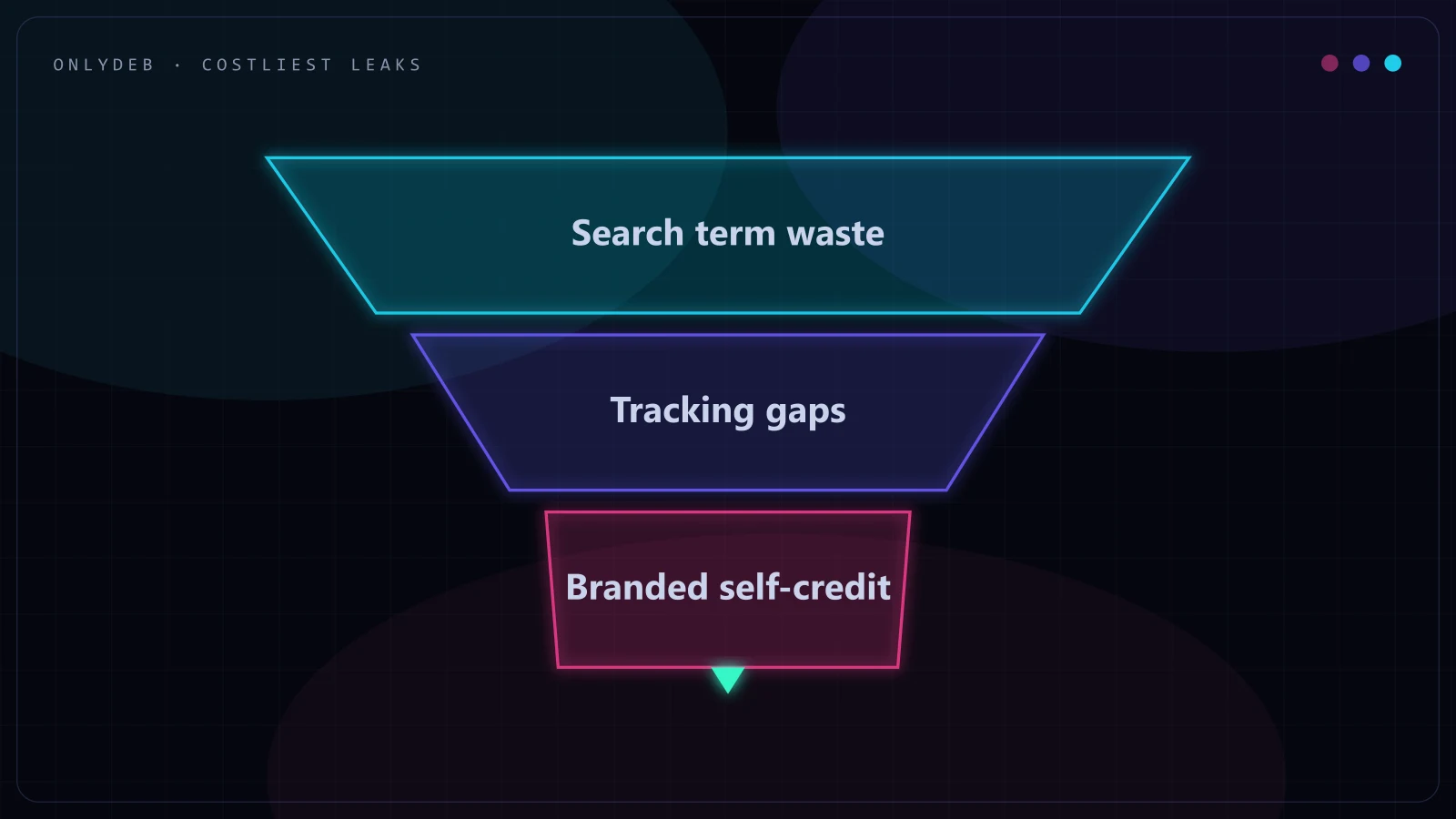
In my experience, these first three plus leak 5 below are usually where the real money hides. Search term waste is the easiest to spot, but tracking errors and self-credit are the ones that quietly corrupt every decision made after them, which is why they sit near the top of most triage lists once someone prices them out.
4. Bid Strategies Starved Below Learning Volume
How it looks in the wild: a Target ROAS campaign gets maybe 10 conversions a month, and performance has been "unpredictable" for the last two quarters.
Automated bid strategies need enough conversion volume to actually learn a pattern. Below that threshold, the algorithm is guessing with a small sample size, and results swing hard from week to week for no visible reason. The instinct is to blame the platform. The actual problem is usually that the account never gave the bid strategy enough signal to work with in the first place.
Find it in 5 minutes: check monthly conversion volume per campaign against Google's stated minimums for the bid strategy in use, generally somewhere around 15-30 conversions a month depending on the strategy, and flag anything running well below that line.
What fixing it looks like: either consolidate similar campaigns so volume pools into fewer bid strategies, switch to a strategy suited for lower volume (Maximize Conversions instead of a tight tROAS target, for instance), or accept manual bidding until volume genuinely supports automation.
5. Budget Spread Across Too Many Campaigns
How it looks in the wild: an account with 14 active campaigns, most capped at $15-20 a day, and none of them ever leaves the "Limited by budget" status long enough to actually prove itself.
Splitting budget thin across many campaigns feels like diversification. In practice it usually means every campaign is throttled below the level where its bid strategy can operate properly, and none of them ever get a fair test. This is one of the quieter leaks because nothing looks broken, the account simply never lets its best-performing efforts get the budget they've earned.
Find it in 5 minutes: check the status column for how many campaigns show "Limited by budget" on a normal day, and compare that count against how many campaigns are actually differentiated enough to deserve separate budgets.
What fixing it looks like: consolidate overlapping campaigns, reallocate budget toward whichever ones are already proving efficient, and resist creating a new campaign for every new idea when an existing one could absorb it.
Stop guessing with your ad spend.
I build highly profitable Google Ads acquisition systems for ambitious brands. Stop burning cash on broad match and let's scale your ROAS properly.
6. Location and Schedule Settings Left at Defaults
How it looks in the wild: a local plumbing business targeting "Presence or interest" instead of "Presence," paying for clicks from people three states away who were just searching about the city out of curiosity.
Google Ads location targeting defaults to including people who show interest in a location, not just people physically there. For a business that only serves a defined service area, that default alone can waste a meaningful chunk of spend on searchers who were never going to become customers. Ad schedule is the same story: no schedule at all means the campaign runs at 3am for a business that only takes calls during office hours.
Find it in 5 minutes: check the location targeting setting under campaign settings for "Presence" versus "Presence or interest," and check whether an ad schedule exists at all versus running 24/7 by default.
What fixing it looks like: switch to "Presence" for any business with a physical service radius, and build a schedule that matches when the business can actually respond to the leads it generates.
7. Disapprovals and Feed Errors Silently Throttling Reach
How it looks in the wild: half a Shopping feed's products have been disapproved for a missing GTIN for six weeks, and nobody noticed because the campaign kept spending on the products that were still approved.
A disapproved ad or a feed error rarely stops a campaign outright. It just quietly shrinks the pool of what can serve, and the campaign keeps spending its budget on a smaller, sometimes worse-converting slice of inventory or ad copy. Because nothing stops entirely, this leak is easy to miss for months.
Find it in 5 minutes: check the Policy Manager tab for ad-level disapprovals, and check Merchant Center diagnostics for any product-level disapprovals or feed warnings if you're running Shopping or PMax.
What fixing it looks like: resolve the underlying policy or data issue rather than just resubmitting, and set a recurring reminder to check both dashboards since new disapprovals can appear without any change on your end, following a policy update on Google's side.
The Triage Rule: Fix What Costs the Most, Starting With What's Cheapest to Fix
Once you've found more than one of these leaks in the same account, which is common, the question becomes what to fix first. The rule I use is simple: price out what each leak is actually costing per month, in real dollars, not gut feel. Then, among the ones costing the most, start with whichever fix takes the least time and risk to implement.
A tracking error skewing every decision in the account usually outranks a mildly loose location setting, even though the location fix takes two minutes and the tracking fix takes an afternoon. Cost first, effort second, and don't let "easy to fix" jump the queue over "expensive to leave alone."
Nothing here is complicated. What's rare is someone actually running the checklist.
If you want the fuller version of this process, the one I actually run start to finish on client accounts, it's laid out in my Google Ads audit checklist.
These aren't hypothetical patterns. A sub-$8 CPA at $300K+/month spend on the Dagamma account and taking Black Voyage from a 1.69 to a 4.26 ROAS both started with exactly this kind of pass through the account, closing leaks before touching a single bid.
FAQ
What is a Google Ads account leak?
A Google Ads account leak is any setting, gap, or unreviewed report that quietly wastes ad spend without ever showing up as an obvious error. Nothing turns red. No alert fires. The account just spends a little worse than it should, every single day, until someone actually goes looking.
How often should I check my account for these leaks?
Search terms and disapprovals deserve a weekly look since they change fast and compound quickly if ignored. Conversion tracking, bid strategy fit, budget spread, and location or schedule settings hold up fine on a monthly cadence. A full pass through all 7 once a quarter catches whatever crept in between the regular checks.
Can I fix these leaks myself, or do I need to hire someone?
Most of the 5-minute checks in this guide are things any account owner can run without special tools, just the Google Ads interface and a notepad. Fixing what you find, especially conversion tracking and bid strategy changes, benefits from someone who has broken and rebuilt those settings before, since a wrong move there costs more than the leak did.
Which of these 7 leaks tends to cost the most?
It depends on the account, which is exactly why the triage rule in this guide asks you to price out each leak on your own numbers rather than trust a generic ranking. That said, across the accounts I have audited, conversion tracking errors, PMax or brand self-credit inflating reported ROAS, and budget spread across too many campaigns are usually the three that carry the biggest price tag once you actually run the math.
How long does it take to fix a leaking account?
Finding all 7 leaks takes well under an hour once you know where to look. Fixing them varies: negative keyword cleanup and schedule or location settings are same-day changes, while conversion tracking rebuilds and bid strategy transitions need a learning period afterward, typically a couple of weeks, before you can trust the new numbers.
If any of these 7 sounded familiar while you were reading, that's normal, they show up almost everywhere. What matters is whether anyone's actually checking. If you want someone else's eyes on your account, grab the free audit and I'll tell you exactly which of these are costing you money right now.