Google Ads for Shopify Stores: The Rebuild That Took ROAS From 1.69 to 4.26
A Shopify luggage brand handed me an account running at a 1.69 ROAS under a prior agency. Four months later it was at 4.26, with purchases roughly doubling month over month along the way. This is the rebuild, in the order I actually did it.

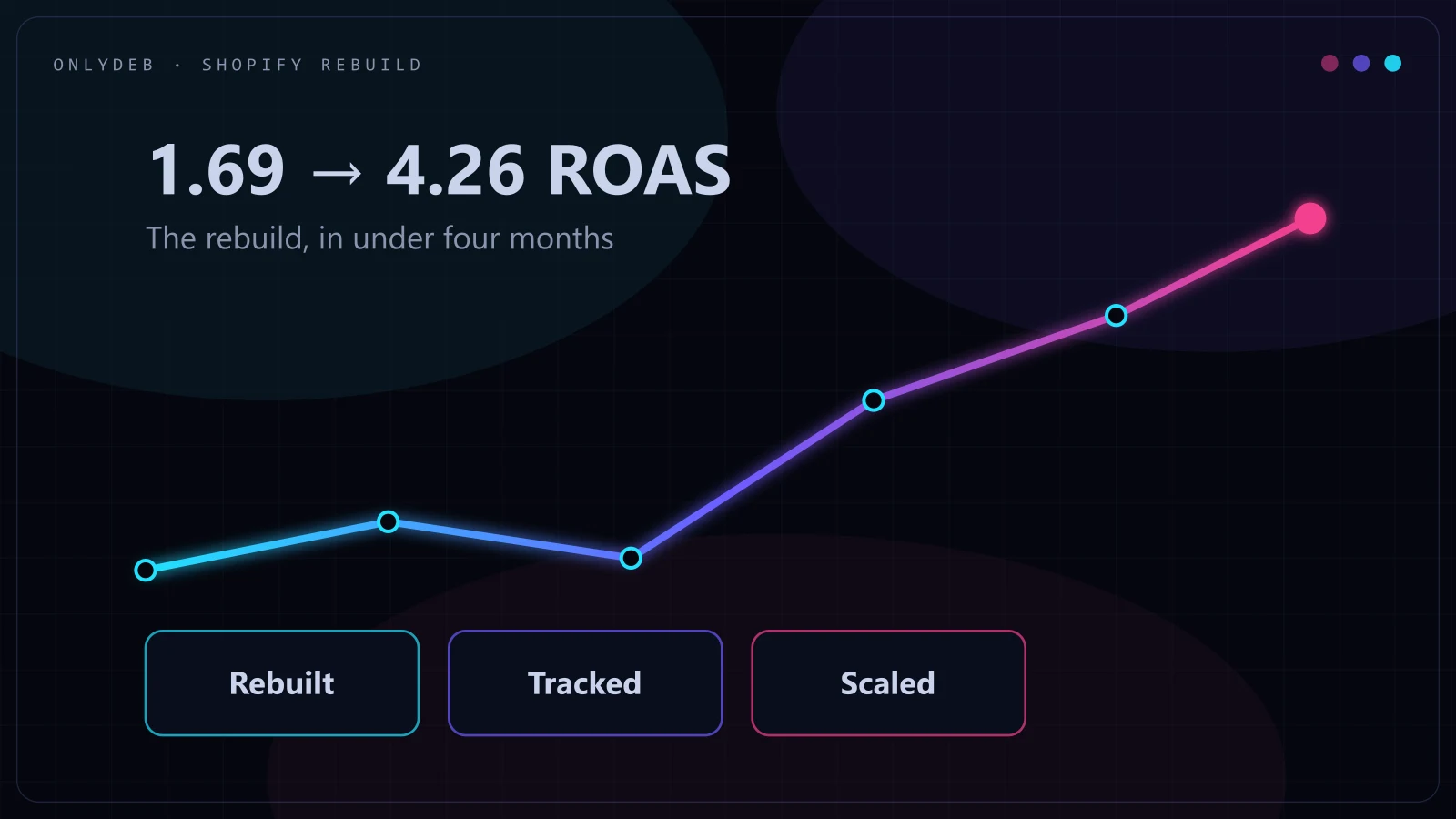
The first thing I do when I take over a Shopify account isn't touch a bid or a budget. It's open Merchant Center and the conversion tracking setup, because whatever campaign structure sits on top of a broken feed and untrustworthy data is going to lie to you, and the previous manager, no matter how confident their reporting looked, was probably optimizing against that lie. That was exactly the situation with Black Voyage, a Shopify luggage brand that came to me running at a 1.69 ROAS after a prior agency had been managing the account.
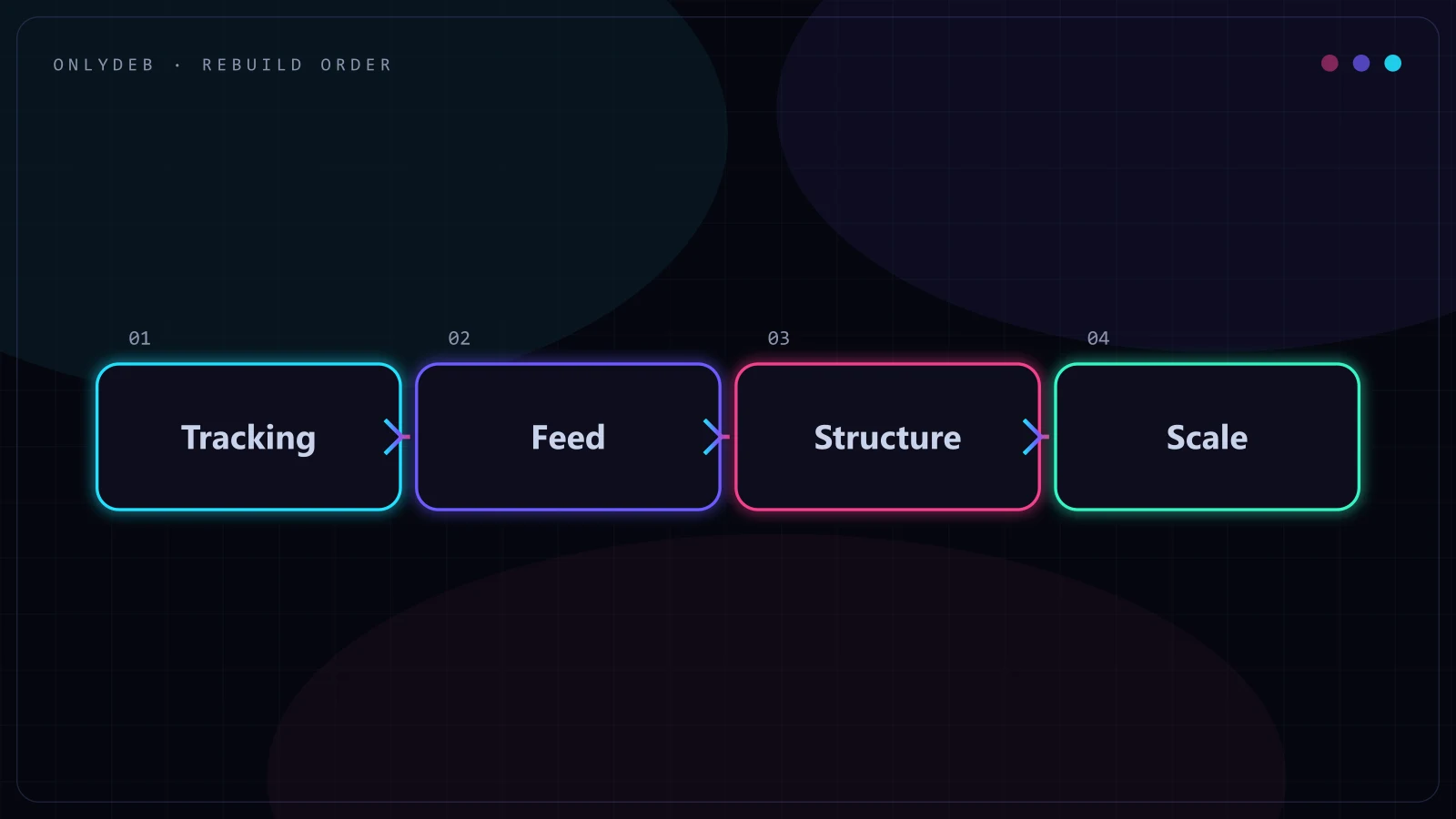
Google Ads for Shopify stores is the practice of connecting a Shopify catalog to Google Merchant Center, building Shopping and Performance Max campaigns around that feed, and layering search and display on top, in an order where tracking and feed health get fixed before any campaign restructuring happens. Get the order backwards, rebuild campaigns on top of bad data, and you'll spend weeks chasing a number that was never real to begin with.
Day One: What a 1.69 ROAS Account Actually Looks Like
When I opened the Black Voyage account, the surface-level numbers weren't catastrophic. Spend was flowing, purchases were happening, and the dashboard the prior agency had been sending looked reasonable enough that a non-specialist client wouldn't flag it. That's the trap with underperforming ecommerce accounts: they rarely look broken from the outside. They look like a business that's "doing okay on ads," which is exactly the phrase that keeps owners from asking harder questions.
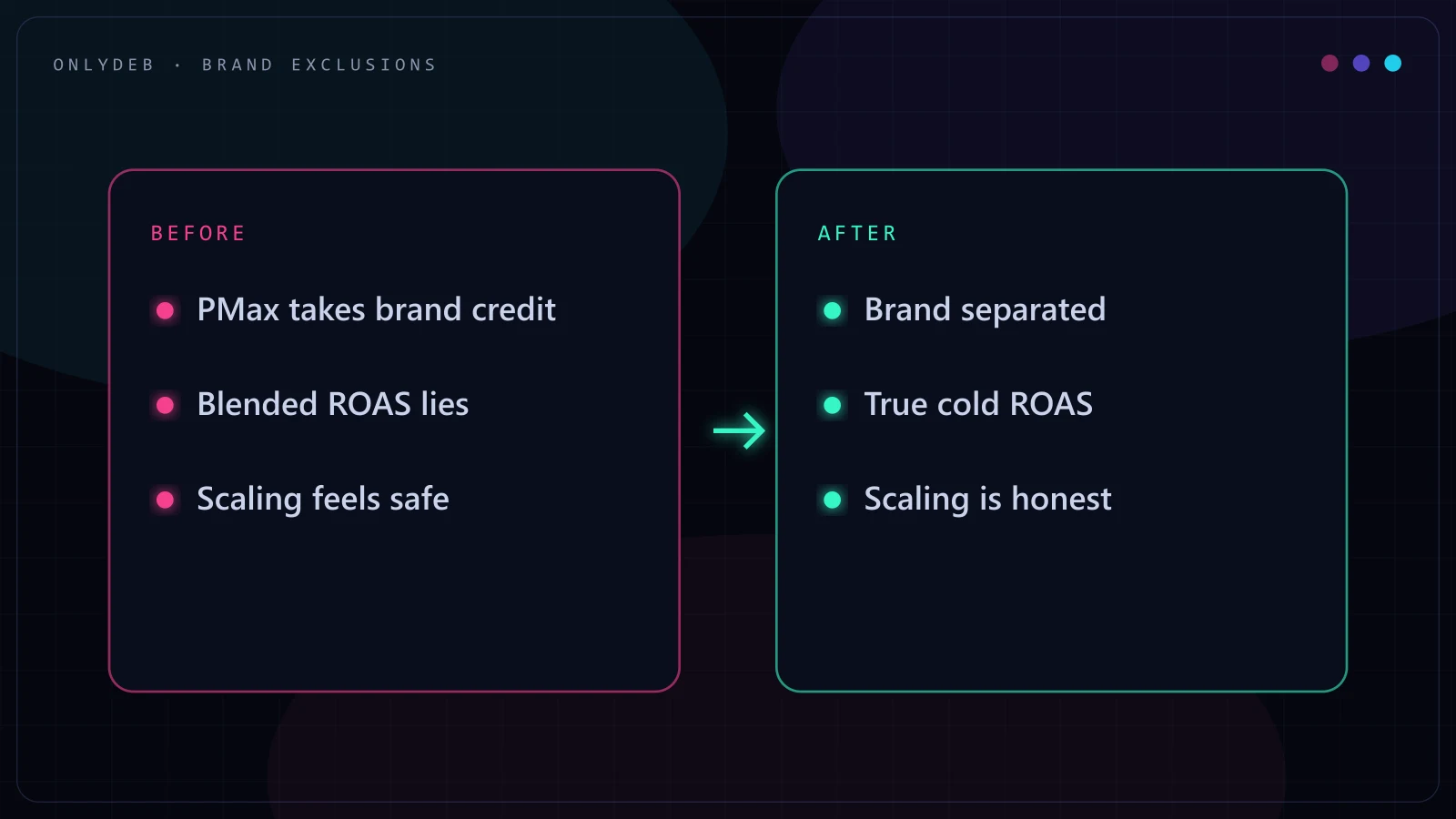
Underneath, three things were working against the account at once. The Merchant Center feed had product data issues that were suppressing a meaningful slice of the catalog from ever showing in Shopping results, so a chunk of ad spend was chasing a smaller pool of eligible products than it should have been. Conversion tracking had gaps that meant Google's bidding systems, and the reporting layer on top of them, couldn't be fully trusted. And the campaign structure itself was generic: broad Performance Max and Shopping campaigns with no branded exclusions, which meant a real slice of "performance" was actually just the brand's own name being intercepted and billed back to the ad account instead of converting for free through organic and direct traffic.
None of these three problems show up as a single alarming metric. They show up as a ROAS that's mediocre everywhere and nowhere specifically broken, which is why a prior agency can run an account like this for months without anyone catching it.
Why Tracking and Feed Come Before Structure
It's tempting to jump straight to restructuring campaigns, because that's the visible, satisfying part of a rebuild. I don't do that first, and the reason is simple: every optimization decision, from bid strategy to budget allocation to which products get their own ad group, depends on trusting the data telling you what's working. If purchases are under-tracked or the feed is silently dropping products, you're optimizing toward a distorted picture, and you won't find out until you've already spent weeks reinforcing the wrong conclusions.
On the tracking side, that meant auditing the conversion setup end to end: checking that purchase events were firing consistently, that values were passing through correctly, and that there wasn't double-counting or under-counting distorting what looked like a working funnel. On the Merchant Center side, it meant going through disapprovals and warnings product by product rather than trusting the "approved" count at a glance, since a feed can show as mostly live while still suppressing a meaningful chunk of high-value SKUs. Google's own product data specification is worth working from directly rather than relying on defaults, and I keep Google's product data specification open during any Merchant Center cleanup, since attribute-level issues (GTIN, availability, price mismatches with the live page) are the most common silent cause of suppressed products.
Stop guessing with your ad spend.
I build highly profitable Google Ads acquisition systems for ambitious brands. Stop burning cash on broad match and let's scale your ROAS properly.
Branded Exclusions: Stop Paying for Your Own Name
Once tracking and feed were clean, the next fix was branded exclusions, and this is the one I'd flag to any Shopify store owner reading this regardless of what else is wrong with their account. Performance Max campaigns, by default, will happily serve on searches for your own brand name, and because those searches convert at a high rate, they inflate the campaign's apparent performance while quietly taking credit for sales that would have happened anyway through organic search or a direct visit.
For a store like Black Voyage with real brand recognition building from prior marketing, this matters more than it does for a brand-new store with zero name recognition. Excluding branded search terms and building a small, separate branded campaign with a modest budget, or letting branded traffic flow through organic and direct without ad spend attached, forces the rest of the account's budget to prove itself on genuinely incremental, non-branded demand. That's when a ROAS number starts meaning something.
Rebuilding Structure Around a Shopify Catalog
With clean data underneath, the structure rebuild was about matching campaigns to how a Shopify catalog actually sells, rather than treating every SKU the same way. A luggage brand typically has a handful of bestselling SKUs that carry most of the volume, and a longer tail of variants and accessory items that convert less often but shouldn't be starved of budget entirely. The rebuild split Shopping and Performance Max around that shape: dedicated visibility and budget priority for bestsellers, with the long tail grouped so it could still compete without cannibalizing budget from the products actually driving revenue.
Shopify's own integration handles the basic feed connection reasonably well, and I'd point any store owner reading this to Shopify's Google sales channel documentation as the starting point for getting products into Merchant Center correctly. Where the built-in integration stops is exactly where a rebuild like this one starts: it won't restructure campaigns around margin or bestseller tiers, and it won't tell you when "connected" isn't the same as "optimized."
A ROAS number is only as honest as the tracking and feed underneath it.
Funnel-Based Search and Display on Top
Shopping and Performance Max carried the core of the rebuild, but search and display weren't left generic either. Search campaigns were organized by funnel stage rather than one flat keyword list: higher-intent, closer-to-purchase terms in their own campaigns with tighter budgets and bids, versus broader discovery terms that needed different messaging and a lower cost-per-click expectation. Display played a supporting role, mainly for retargeting visitors who'd seen the catalog but hadn't converted, rather than trying to compete with Shopping and PMax for cold prospecting traffic.
This layering matters for a Shopify store specifically because the catalog and the customer journey are visual. Someone browsing luggage rarely converts on the first visit, so a search and display setup that only chases last-click conversions misses the assist traffic doing real work earlier in the funnel.
How the Numbers Moved, Month by Month
The improvement wasn't a single lever pulled at the end. Tracking and Merchant Center cleanup came first and didn't move ROAS on their own, they just made every number after that point trustworthy. Branded exclusions and the early structure changes started showing in the following weeks, as budget stopped propping up brand searches and started chasing incremental demand. The bigger jumps came once Shopping and PMax had a few weeks of clean data to learn from post-restructure, purchases climbing from roughly 13 a month toward 69 as the account compounded, and revenue moving from about $3.2K to $20.6K monthly across the same arc.
That order matters more than any individual tactic here. A store owner who restructures campaigns first and fixes tracking later will see numbers move, but won't know if they're seeing real improvement or just a different flavor of distorted data. Fix what you're measuring before you decide what to change based on it.
None of these steps are exotic. What tends to go wrong on Shopify accounts, including this one before I took it over, is skipping straight to step four because it's the most visible lever, while steps one through three quietly stay broken underneath. I've managed $5M+ in combined ad spend across 8+ years, and the accounts that recover fastest are the ones where the fix starts at the foundation rather than the dashboard.
If you're running a Shopify store and suspect your account has a similar gap between what the dashboard says and what's actually happening, I wrote a broader walkthrough of the ecommerce playbook in Google Ads for ecommerce, and a step-by-step version of the audit process itself in the Google Ads account audit checklist. If you sell through a niche category, the ecommerce-focused overview covers how this applies across store types.
FAQ
Is the Shopify Google channel app enough to run Google Ads well?
The Shopify Google channel app is enough to get a product feed into Merchant Center and a basic Shopping or Performance Max campaign live, and that is genuinely useful for a store with no ads presence yet. It is not enough to run a mature account. It won't catch feed disapprovals hiding inside a "live" status, won't build branded exclusions, and won't restructure campaigns as the catalog and margins change. Treat it as the on-ramp, not the whole road.
Should a small Shopify store run Performance Max or standard Shopping?
A small store with a clean feed and a handful of best sellers can do well on standard Shopping alone, since it gives more visibility into which products are actually spending. Performance Max earns its place once there is enough conversion volume for its automation to learn from and once branded exclusions are in place so it isn't just absorbing searches that would have converted for free. Running PMax before tracking and exclusions are sorted is how a small store ends up paying for its own brand name.
How long does a Google Ads rebuild take for a Shopify store?
The Black Voyage rebuild went from a 1.69 ROAS to 4.26 in under four months, with the biggest jumps in month two and three once tracking, Merchant Center, and structure were all fixed and the account had a few weeks of clean data to learn from. That timeline isn't a guarantee for every store, but it reflects a realistic order of operations: fix the foundation first, then let performance data accumulate before judging results.
What ROAS is realistic for a Shopify store on Google Ads?
There is no universal number, since realistic ROAS depends on margin, average order value, and how competitive the category is. What I can say from this account specifically is that a 1.69 ROAS under a prior agency's structure became 4.26 once tracking was trustworthy, the feed was clean, and the campaign structure matched how a Shopify catalog actually converts. The direction of that change, and the fact that it came from fixing fundamentals rather than a bidding trick, is the more useful takeaway than any single target number.
Do I need a developer to fix Google Ads tracking on Shopify?
Basic Shopify conversion tracking through the Google channel app or Google Ads native integration doesn't require a developer for most stores. Server-side tagging, deduplicating conversions between GA4 and Google Ads, or custom checkout events on a heavily customized theme sometimes does. Before assuming you need developer time, check whether the built-in integrations are simply misconfigured, which is the more common problem and the one I found on this account.
If your Shopify account has a ROAS that never quite improves no matter what gets tweaked, the fix is usually further upstream than the campaign settings. Get in touch and let's look at your tracking and feed first, before we talk about structure.