How to Read Your Google Ads Report Without Getting Fooled
I've sat across from enough business owners to recognize the moment: they slide over a report full of green arrows, then mention, almost as an aside, that the bank account doesn't feel like it agrees. Here's how to read the account yourself, in about 20 minutes a month, so you never have to take anyone's word for it again.

It's a pattern I keep seeing, in slightly different clothes every time. A business owner has been running Google Ads for a while, either with an agency or a freelancer, and every month they get a polished report. Impressions up. Clicks up. Conversions up. Sometimes there's a chart with a line trending up and to the right, the universal visual language for "this is working." And yet, when I ask the simple question, "how does this feel against what you're actually spending," there's a pause. The report says one thing. The bank account, or the sales pipeline, or the phone ringing, says something quieter and less certain.
The gap isn't usually fraud. It's more often a report built to look good rather than to be understood, showing the metrics that flatter the account and leaving out the ones that would prompt questions. A Google Ads report is a summary of what the account did with your money over a given period, and it's only useful to you if it shows spend and results in the same view, broken down enough that you can tell what you actually paid for. Anything less than that is a highlight reel, not a report.
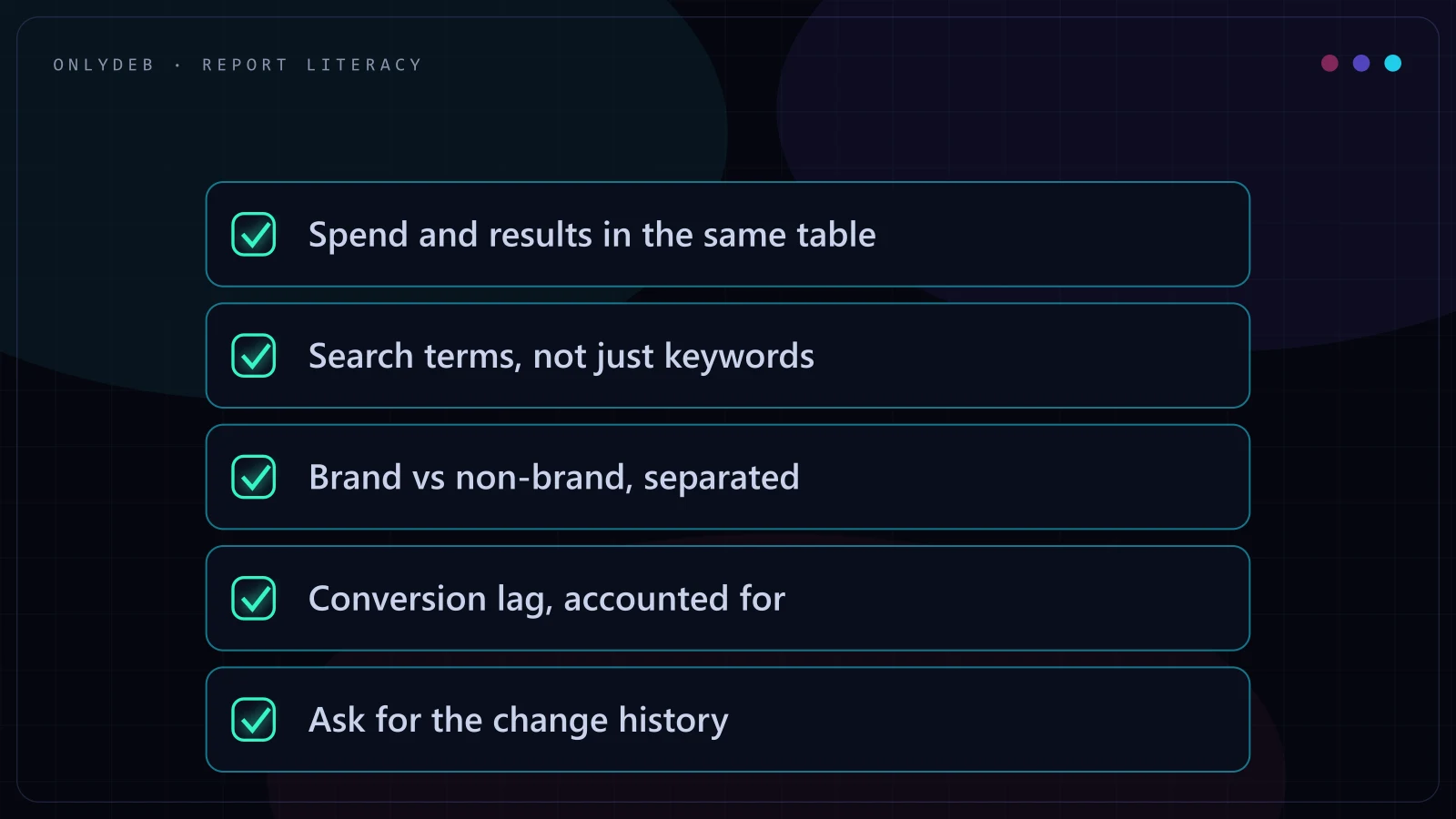
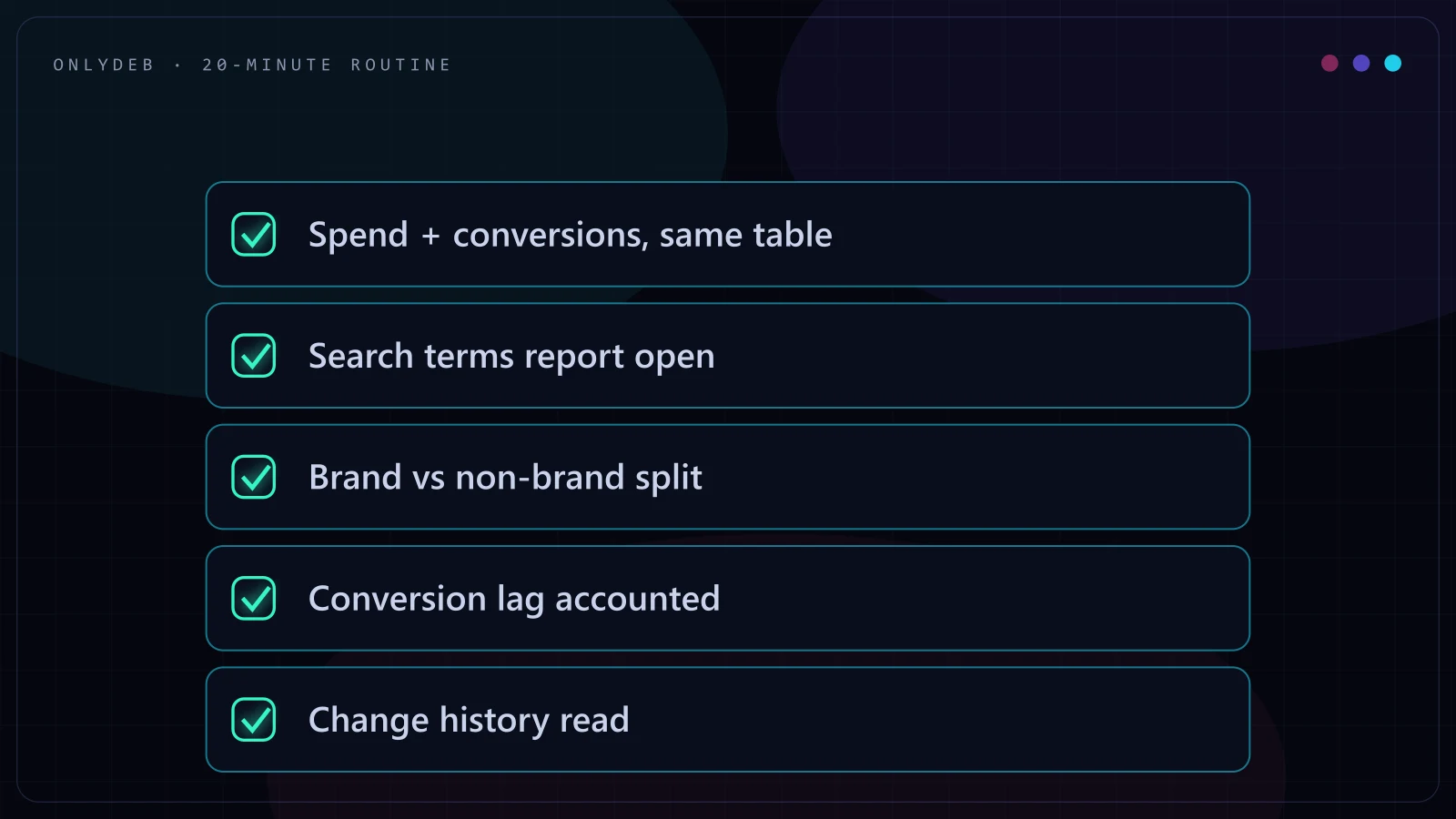
You don't need to become a PPC specialist to read your own account. You need about 20 minutes a month and five specific things to look at, in this order. I'll walk through all five, then give you the questions that make a bad agency squirm, because a good manager will answer them without blinking.
1. Spend and Results, in the Same View
This is the single most important habit, and it's the one bad reports are built to avoid. If a report shows you clicks, impressions, or conversions without the cost sitting right next to them, you cannot evaluate anything. A campaign that "generated 40 conversions" sounds great until you learn it spent $18,000 to get them. A campaign that "only" generated 12 conversions sounds weak until you learn it spent $900.
Open your account, or ask for a report, that shows cost and conversions on the same line, for the same time period, at the campaign level at minimum. From there, calculate cost per conversion yourself: cost divided by conversions. That single number, tracked month over month, tells you more than almost anything else in the account. If a report can't show you that pairing without extra digging, that's the first thing to fix, not the last.
Stop guessing with your ad spend.
I build highly profitable Google Ads acquisition systems for ambitious brands. Stop burning cash on broad match and let's scale your ROAS properly.
2. The Search Terms Report: What You Actually Paid For
Your keywords are what you told Google to target. Your search terms are what people actually typed before your ad showed and someone clicked. These are not the same thing, and the gap between them is where a lot of wasted spend hides. Broad match and phrase match keywords in particular can match to search terms that are only loosely related to your business, and every one of those clicks costs money.
Google publishes documentation on how to pull and read this report inside the platform, in Google's own guide to the search terms report, and it's worth 10 minutes to understand the layout even if someone else manages your account day to day. Once a month, scan the search terms your budget actually paid for. You're looking for two things: search terms that clearly have nothing to do with what you sell (a sign of loose match types or missing negative keywords), and search terms that convert well but aren't yet their own keyword (an opportunity being left on the table).
3. Branded vs Non-Branded: Before You Believe Any ROAS Number
This is the one that trips up owners the most, because it looks like the account is working brilliantly. Someone searches your exact business name, clicks your ad instead of the free organic listing right below it, and converts. That shows up in the account as a Google Ads conversion, often at a very high ROAS, because branded clicks are cheap and branded searchers already intend to buy from you.
The problem is that a lot of that conversion likely would have happened anyway, through the organic listing, for free. If your branded campaigns or branded traffic make up the majority of your tracked conversions, your blended ROAS number is telling you a flattering story about demand you already had, not about new demand your ad spend created. Before you believe any headline ROAS figure, ask for it split into branded and non-branded. The non-branded number is the one that actually reflects whether the account is finding new customers.
4. Conversion Lag: Why Last Week Always Looks Worse Than It Is
Not every conversion happens the moment someone clicks. Some people click an ad, think about it for a few days, and convert later, sometimes through a different visit entirely. Google Ads attributes that conversion back to the original click once it's confirmed, which means the most recent 7 to 10 days in any report will always look artificially weak, simply because some of those conversions haven't been counted yet.
This is why judging a campaign's performance off the last few days is one of the most common ways owners scare themselves over nothing, and it's also, unfortunately, a lever a dishonest manager can lean on to explain away a genuinely bad week. The fix is simple: look at trends over a rolling 30-day window rather than the most recent handful of days, and expect the most recent week to always read lower than it will end up being once the lag catches up.
The freshest data in the account is always the least trustworthy data in the account.
5. The Change History: What Your Manager Actually Did
Every account has a change history log, a running record of every edit made: bids adjusted, keywords added or paused, budgets changed, ad copy swapped. This is the accountability log. It's the difference between a manager telling you "we've been optimizing the account all month" and being able to see exactly what was touched, when, and by whom.
Once a month, scan the change history for the account. You're not looking for a huge volume of changes, more changes doesn't mean better management. You're looking for changes that make sense given what happened to performance. If cost per conversion spiked and the change history shows nothing happened in response, that's worth a direct question. If a manager can't produce this log, or waves it off as too technical to walk through, ask why.
The Questions That Make a Bad Agency Squirm
Once you've read the account yourself even once, you'll know enough to ask sharper questions than most owners ever do. These are the ones worth asking directly, in writing, and watching how comfortably they get answered.
How I Report to My Own Clients
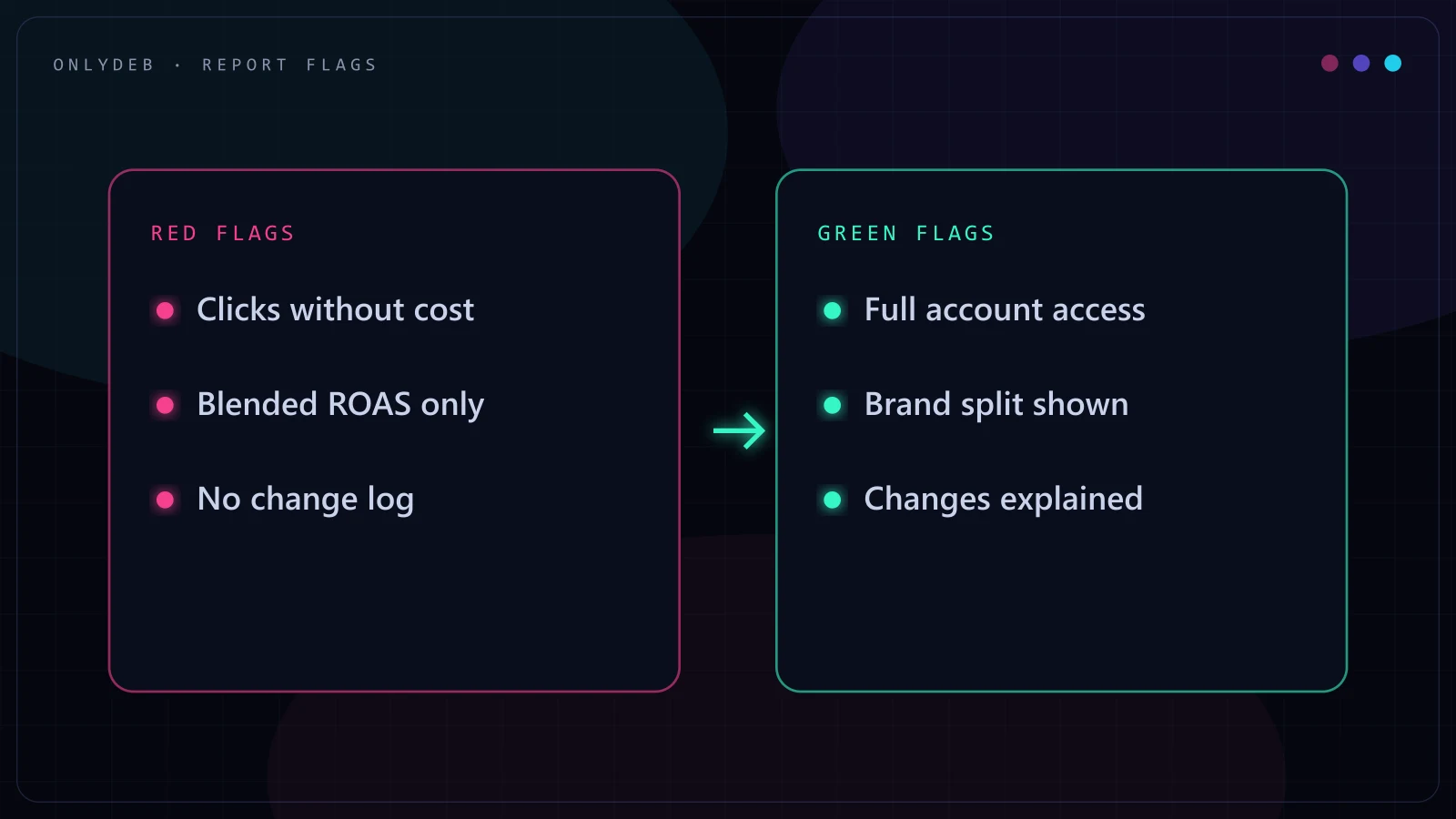
I bring all of this up because it's the standard I hold my own reporting to, not because it's a clever sales angle. Every client keeps full access to their own account under their own login, full stop, no shared credentials and no locked dashboard. I send readable weekly reports that show spend and results together, not clicks in one place and cost buried somewhere else, plus a monthly strategy call where we go through what actually happened and why, change history included. If a client wants to open the search terms report themselves at 11pm on a Tuesday, they can, because it's their account and their money.
Every client should expect that as the baseline, not as some generous exception to how this industry normally works. If your current setup doesn't look like this, the checklist above will tell you within 20 minutes whether the gap between the report and the bank account is a rounding error or a pattern. For a deeper walkthrough of what a healthy account should look like structurally, I've also written a Google Ads audit checklist, and if you're deciding who should be doing this work at all, my guide to hiring a Google Ads expert and my piece on the KPIs that actually matter in performance marketing go further into what good management looks like beyond the report itself.
FAQ
Which metrics matter most for a business owner reading their own report?
Cost, conversions, and cost per conversion, viewed together and never separately. A click number or a conversion number on its own tells you almost nothing, because neither one carries the cost of getting it. If you only track one combined number, track cost per conversion, and watch it against a rolling average rather than week to week.
How often should I actually check my Google Ads account?
Once a month is enough for most businesses, done properly. Checking daily invites you to react to noise, since a single day of data barely means anything statistically. A focused 20-minute monthly session, spend against results, search terms, branded split, and the change history, gives you more real signal than scrolling a dashboard every morning.
What is a normal branded share of conversions?
There is no single universal number, since it depends on how well known your business already is, but for most non-branded businesses running standard non-brand campaigns, branded traffic making up a large majority of tracked conversions is a warning sign, not a win. It usually means the account is getting credit for demand that already existed.
Should my report show every keyword and search term?
You should have access to see every keyword and every search term whenever you want, even if your standing report only summarizes the top performers and the worst offenders. A manager who cannot show you the underlying search terms report, or who treats it as proprietary, is asking you to trust a summary instead of the source data.
What account access should I demand from whoever manages my ads?
Full read access to your own Google Ads account under your own login, not a shared login or a locked-down agency dashboard. That means you can open the search terms report, the change history, and conversion tracking setup at any time without asking permission. If a manager resists giving you this, treat it as the loudest red flag on this list.
If you've read this far, you now know how to check your own account faster than most agencies will walk you through it on a call. If you'd rather have someone hold this standard for you every week, get in touch and let's talk about your account.