Performance Max Is Eating Your Brand Traffic: The Exclusion Setup Nobody Does
A Performance Max campaign with no brand exclusions will find your own company name and treat it like a discovery. It isn't one. Here's why the algorithm does this, the four signs it's already happening in your account, and the exact setup that fixes it.

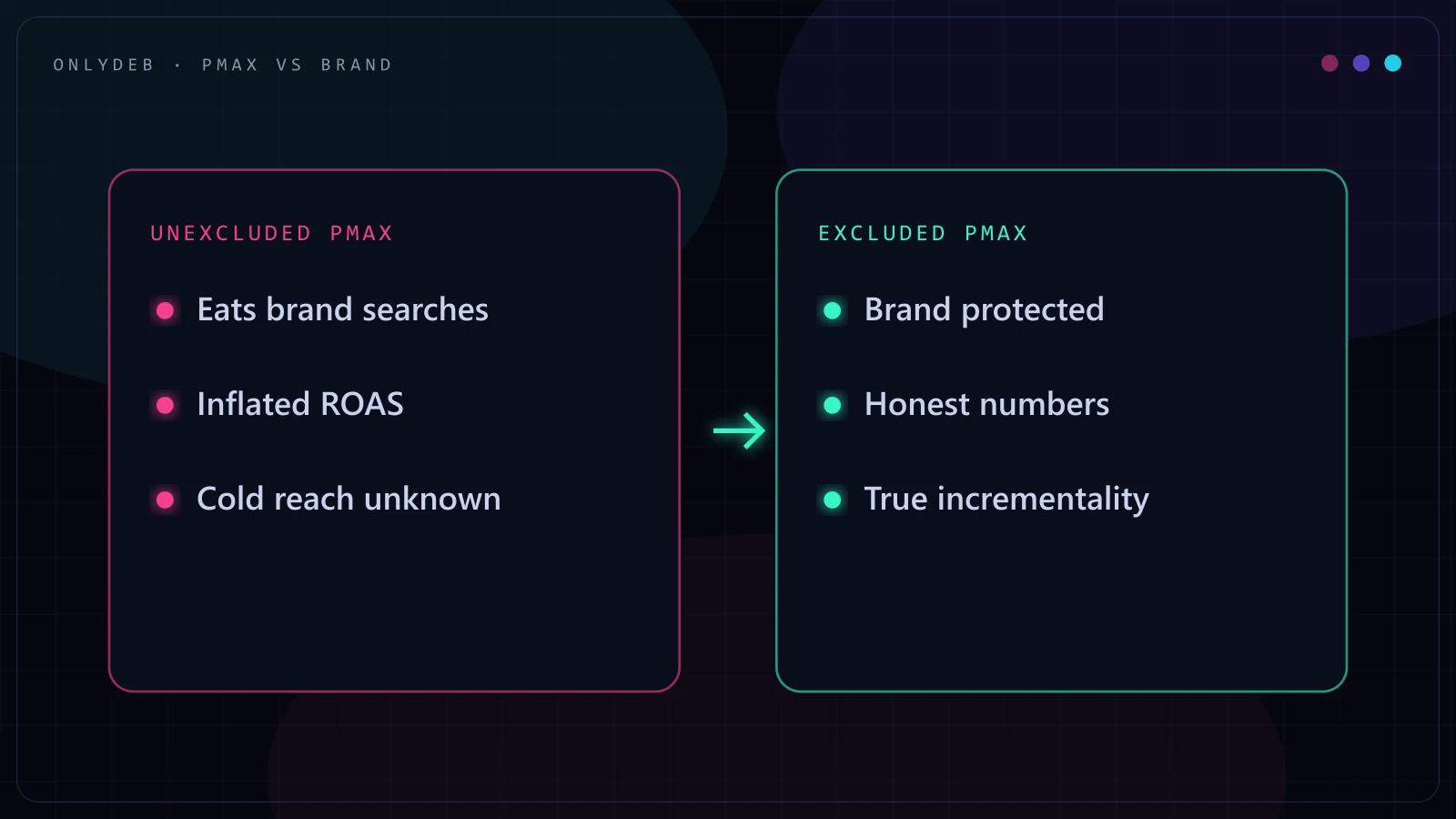
Open a Performance Max campaign's search terms insights on an account that has never had a brand exclusion applied, and there is a good chance the company's own name is sitting near the top, quietly padding the conversion count. Nobody built the campaign to do that on purpose. The algorithm found it on its own, because it works.
Performance Max brand exclusions are settings, built from a brand list, that stop your PMax campaign from bidding on your own company name and its variations, so the algorithm can no longer take credit for conversions that were going to happen with or without an ad. Most accounts I audit have never applied one, and the PMax ROAS number everyone is proud of is usually hiding exactly this.
Why Performance Max Gravitates to Brand Queries
Performance Max is not told to find new customers. It is told to find conversions per dollar spent, across Search, Shopping, Display, YouTube, and Discover inventory, with almost none of the manual controls a Search campaign gives you. Somewhere in that mix sits your own branded search term, and it is close to the best trade the algorithm will ever see: someone who already knows your name, already intends to buy, and converts at a rate no cold audience will match.
From the algorithm's side, this isn't a mistake. It is doing exactly what it was optimized to do. The problem is that a click on your own brand name almost never needed an ad to convert. That person was going to find you through organic search, a bookmark, or a direct visit. Performance Max just inserted itself in front of a sale that was already happening, and then reported it as a campaign win.
This is the same failure mode I've written about in the context of a full account rebuild in my Performance Max optimization guide, but it deserves its own walkthrough because the fix is small, specific, and almost nobody applies it correctly.
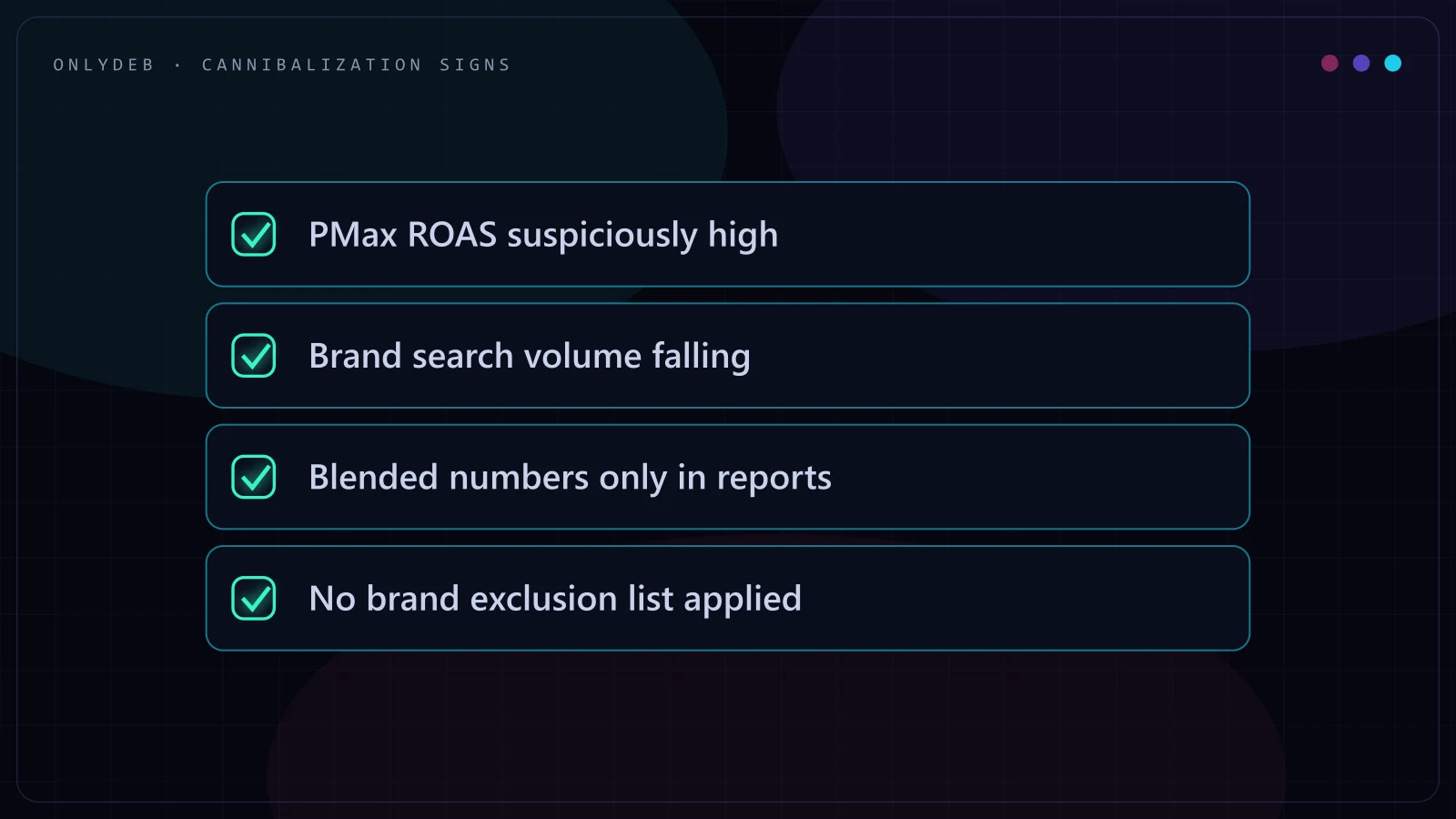
The Four Warning Signs You're Being Cannibalized
No single one of these proves cannibalization on its own. All four showing up together is close to a guarantee.
- A suspiciously high PMax ROAS. If Performance Max is quietly outperforming every other campaign in the account by a wide margin, with no obvious change in creative, audience, or offer, check what it's actually spending on before you believe the number.
- Falling brand-campaign volume. If you're running a dedicated branded Search campaign and its impressions or clicks have been sliding for no external reason, Performance Max is likely winning those auctions instead, at your own expense.
- Blended-only reporting. If the dashboard you or your client looks at shows one combined ROAS number with no split between brand and non-brand traffic, there's no way to tell whether the number reflects new demand or recycled demand.
- No exclusion lists applied. This is the simplest check and the one people skip: open the campaign's settings and look for a brand exclusion list. If there isn't one, the other three signs aren't a coincidence.
Stop guessing with your ad spend.
I build highly profitable Google Ads acquisition systems for ambitious brands. Stop burning cash on broad match and let's scale your ROAS properly.
The Actual Exclusion Setup
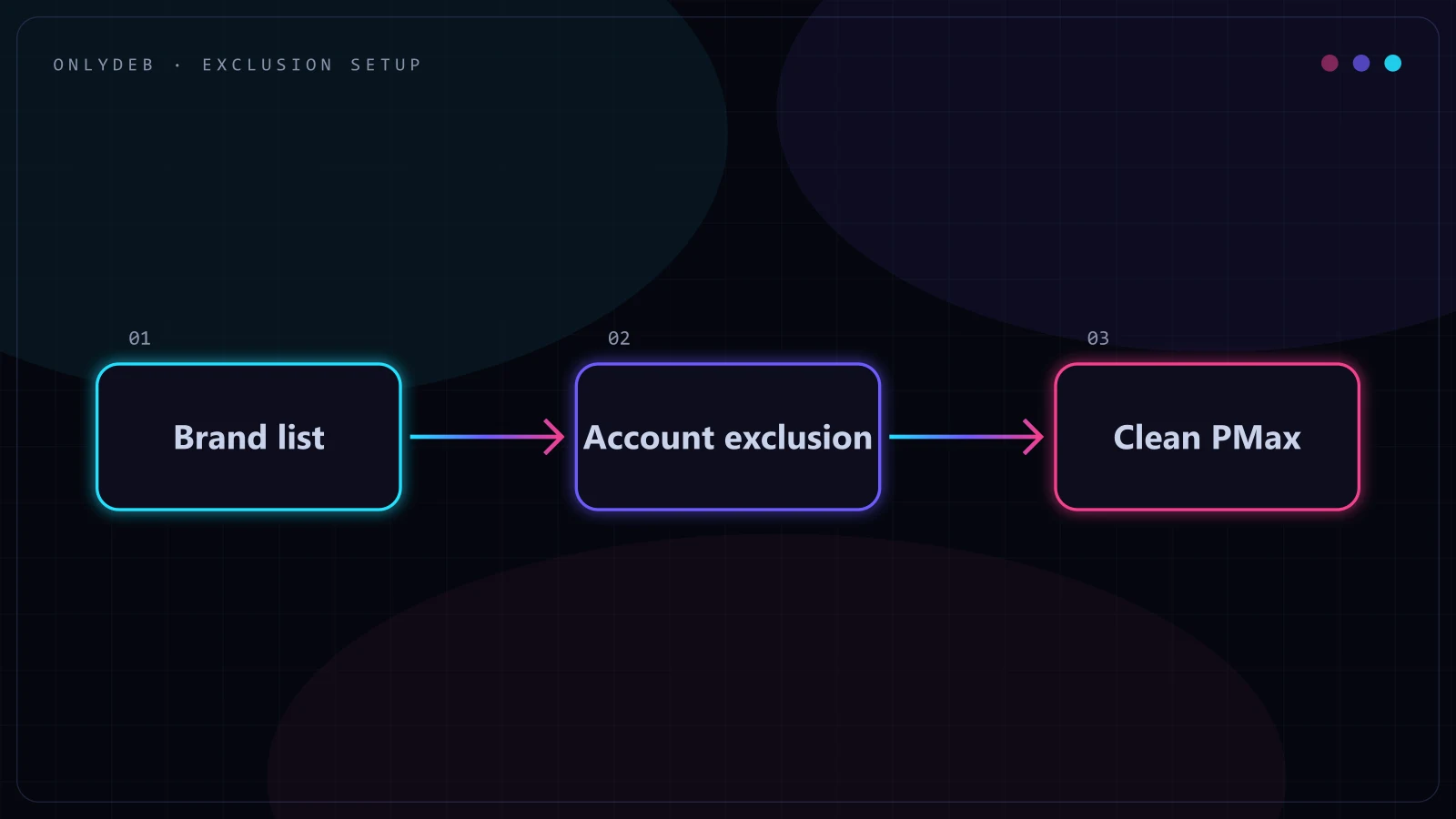
The setup itself takes minutes. The part people get wrong is scope: applying an exclusion to one campaign instead of the account, so the next PMax campaign someone launches quietly inherits the same problem.
- Build a brand list. In Google Ads, under brand lists, add your company name, product names, and every common variation someone might type: abbreviations, the name with and without spaces, and the misspellings you actually see in search terms reports.
- Apply it as an account-level brand exclusion. Rather than adding the exclusion inside a single campaign's settings, apply the brand list at the account level so every current and future Performance Max campaign inherits it automatically.
- Confirm it against search terms insights. A week or two after the exclusion goes live, check the campaign's search terms insights again. Branded queries should have effectively disappeared from PMax's own traffic.
- Decide on Shopping visibility separately. Google Ads gives you the option to keep showing Shopping ads on excluded-brand searches even while Search and YouTube stay excluded. That's a real decision, not a default, and it depends on whether you want shelf-space protection against competitors bidding on your name.
Google documents the mechanics of this directly, and it's worth reading straight from the source rather than trusting a screenshot from 2023: Apply brand exclusions to Performance Max or Search campaigns.
What Changes After You Flip the Switch
The Performance Max ROAS number will drop, sometimes by a lot, and that is the correct outcome, not a sign the fix went wrong. Every conversion that was riding in on your own brand name disappears from the campaign's ledger, and what's left is a number that actually reflects incremental performance: sales Performance Max generated from people who did not already know they were buying from you.
This is where the conversation with a client has to happen before the exclusion goes live, not after. If the only number anyone has looked at for months is a blended ROAS inflated by brand traffic, a drop from 6x to 3x looks like the campaign broke. It didn't. The campaign got honest, and an honest number is the only one you can make real decisions from.
The ROAS that drops after a brand exclusion was never the campaign's real number. It was your company name wearing a Performance Max costume.
Black Voyage, a Shopify luggage brand, is the clearest version of this I've worked on. The account was rebuilt across Performance Max, Shopping, and branded exclusions together, and reported ROAS went from 1.69 to 4.26 in under four months. Branded exclusions weren't the only lever pulled on that account, feed hygiene and campaign structure both mattered too, but they were part of what made the resulting number trustworthy instead of just bigger. You can size up your own account's branded traffic in more detail in how to check whether branded search is inflating your ROAS.
Edge Cases Worth Knowing
Misspellings belong in the brand list too
A brand list that only contains your company's correct spelling misses a real share of the traffic actually causing the problem. Pull an ungated search terms report and add the misspellings, phonetic variants, and common typos you actually see people type. A brand list built once and never revisited slowly loses coverage as new variations show up.
When you actually want brand inside PMax
Almost never, and the exception is narrow: a competitor is actively bidding on your brand name and you need Shopping or YouTube inventory to hold that ground while you sort out the competitive situation. Even then, treat it as a deliberate, time-boxed decision you're tracking, not the setting you forgot to touch when you built the campaign.
Re-baselining expectations with the client
Before the exclusion goes live, tell the client what number they're about to see and why it's the right one. Show the blended ROAS next to what the split will likely look like, using whatever brand-versus-non-brand data you already have. A client who understands the drop in advance reads it as the account getting more honest. A client who finds out after the fact reads it as the account getting worse.
FAQ
What are Performance Max brand exclusions?
Performance Max brand exclusions are settings, built from a brand list, that stop a PMax campaign from serving on your own branded search terms. Without them, the campaign is free to bid on queries that already convert on their own, and reports the credit as if the ad caused the sale.
Why does Performance Max keep bidding on my own brand name?
Performance Max is a bidding algorithm optimizing for conversions per dollar, and branded search is the cheapest conversion path available to it. Someone typing your company name already knows what they want, so the click-to-conversion rate is high and the cost per click is low. The algorithm has no instruction to leave that traffic alone unless you give it one.
How do I know if PMax is cannibalizing my branded search?
Four signs together are a reliable tell: a PMax ROAS that looks unusually strong compared to the rest of the account, a branded search campaign whose volume keeps falling for no external reason, reporting that only shows blended ROAS with no split between brand and non-brand, and an account with no exclusion lists applied to Performance Max at all.
Will excluding brand traffic hurt my Performance Max ROAS?
The reported ROAS number usually drops, and that is the point. The old number was inflated by conversions that would have happened anyway. The number after exclusions reflects what Performance Max is actually generating in new demand, which is the only number worth optimizing toward.
Is there ever a good reason to let brand traffic into Performance Max?
Almost never. The rare exception is a defensive case, a period where a competitor is actively bidding on your brand name and you need Shopping or YouTube inventory covered on those queries specifically. Even then it should be a deliberate, temporary decision, not the campaign default you forgot to change.
A brand exclusion list takes an afternoon to build and correct properly. It's one of the cheapest, highest-leverage checks you can run on an account this week. If you want someone to look at whether your own PMax campaigns are quietly bidding on your name, grab the free audit and I'll show you exactly what the search terms report says.